
Microsoft Power BI Certification Training

Microsoft Power BI. Live classes, expert mentors, industry-recognised certificate and hands-on projects.

BI AND VISUALIZATION
30 Hours
98 Learners
5.0
This course includes:
Live online training
Free demo class
Flexible timings
Industry certificate
Free study material
Mentor support

About This Course

Microsoft Power BI is a new tool in the hands of business enterprises who are overwhelmed with the data at hand and until now didn't have a cost-effective tool to extract insights from it. After the completion of the Microsoft Power BI certification course, you can start using the Power BI tool, which is a set of applications and tools that let the candidate extract data from multiple unrelated sources and convert it into a coherent set of information, interactive data, visually appealing insights, graphs, charts, and reports. Moreover, you will get official Power BI training material.

The Power BI training course offered by Zx Academy ensures you get expertise in Business Analytics. Also, you can master the concepts like Power BI Architecture, Mobile Apps, Power BI Desktop, Reports, Power BI Content packs, Q&A, to name a few with industry use scenarios. The Power BI certification training is live instructor-led and gives you hands-on experience in real-time projects.

Highlights of Zx Academy Training:

  • 24/7 Support throughout the training period
  • Live online classes
  • Training under industry experts
  • Free study material
  • Flexible timings to all our students

What will you learn in Microsoft Power BI Certification training?

After completion of the Power BI certification training, you will learn:

  • Introduction to Power BI
  • Data Analysis Expressions (DAX)
  • Power BI Desktop
  • Data Visualization
  • Direct Connectivity
  • Introduction to Power BI Q&A and Data Insights
  • Advanced Analytics in Power BI using R & Python
  • Power BI Report Servers

Who should take this Microsoft Power BI Certification training?

The Microsoft Power BI Certification training course is beneficial for:

  • Business Analysts
  • Statisticians and Analysts
  • Business Intelligence Manager
  • Project Managers
  • Data Scientists

What are the prerequisites for taking Microsoft Power BI Certification training?

The prerequisites for taking Power BI certification training are:

  • Fundamental understanding of Microsoft Excel and formulas
  • Basics of R and Python Scripts

Why should you go for Microsoft Power BI Certification training?

The Microsoft Power BI training course at Zx Academy introduces you to Power BI Desktop and its use with Power Pivot for Data Modeling. The Power BI course enables the candidate to learn about Data Visualization and Data Analysis with Power View, Power BI Desktop, and Power Map. The Microsoft Power BI course will also introduce the candidate to Power BI Q&A, which enables you to explore, discover and visualize enterprise data using natural language

Ready to Master This Skill? 🚀

Course Curriculum

30 Hours · 1 Hours Available: Regular | Weekend | Fast-Track

Introduction to Business Intelligence (BI)
Stages of business intelligence (BI)
Use cases of BI
Various BI tools
Overview of Data warehouse & concepts
Introduction to Power BI
Why Power BI
Power BI Components
Power BI pricing structure
Building blocks of Power BI
Architecture of Power BI
Power BI vs Tableau vs QlikView
Introduction of Power BI Desktop
Installation of Power BI Desktop
The key features of Power BI workflow
Process of creating reports in Power BI

Overview of Power BI desktop
Data sources in Power BI
Using files (excel, pdf, csv, etc.) as a data source
Using SaaS connectors
Extracting data from folders, and databases
Working with Azure SQL database and database sources
Connecting to Analysis Services
Other data sources (OData, web, SharePoint etc.)
Python & R script in Power BI
Introduction of power query editor
Advance editor
Query dependency editor

Shaping data using Power Query Editor
Formatting data
Transformation of data
Understanding of Data types
Data profiling for data quality check
Naming conventions & best practices to consider
Working with Parameters
Merge Query
Append Query
Group by of data (aggregation of data)
Applied steps (query settings)
Duplicate & Reference tables
Transpose of data
Fill
Pivot & Un-pivot of data
Custom columns
Conditional columns
Replace data from the tables
Split columns values
Move columns & sorting of data
Detect data type, count rows & reverse rows
Promote rows as column headers
Hierarchies in Power BI
M query

Introduction of relationships
Creating relationships
Cardinality
Cross filter direction
Use of inactive relationships
Introduction of DAX
Why DAX is used
DAX syntax
DAX functions
Context in DAX
Calculated columns using DAX
Measures using DAX
Calculated tables using DAX
Learning about table, information, logical, text, iterator,
Time intelligence functions (YTD, QTD, MTD)
Cumulative values, calculated tables, and ranking and rank over groups
Date and time functions
DAX advanced features

Deep dive into Power BI data visualization
Understanding Power View and Power Map
Data visualization techniques
Page layout & Formatting
Power BI Desktop visualization
Formatting and customizing visuals
Visualization interaction
Custom visualization in Power BI
Top-down and bottom-up analytics
Drill down
Drill through
Page navigations
Bookmarks
Selection pane to show/hide visuals
Comparing volume and value-based analytics
Combinations charts (dual axis charts)
Filter pane
Slicers
Use of Hierarchies in drill down analysis
Theme for corporate standards
Power BI template for design reusability
Mastering the best practices
Performance analyzer in Power BI for monitoring performance of report
Power BI Q&A (Natural Language Query visual)
Sync slicers
Tooltips & custom tooltips
Tables & matrix
Conditional formatting on visuals
Waterfall chart, KPI, Donut chart, Scatter chart
Geographical data visualization using Maps

Explore the Complete Learning Path 📥

Certification

Microsoft offers multiple certifications related to Power BI, such as:
Microsoft Certified Data Analyst Associate
Microsoft Certified: Power BI Fundamentals
Microsoft Certified Power BI Data Analyst
Microsoft Certified Power BI Administrator
Microsoft Certified Power BI Developer
Each certification addresses different roles and levels of expertise within Power BI.

Microsoft Power BI certifications demonstrate your expertise in using Power BI for data analysis and visualization, and are recognized by employers, helping your career prospects in roles related to data.

To successfully prepare for Power BI certification exams, consider these steps:
Receive formal training either in-person or online through trusted providers like ZX Academy
Review official Microsoft Power BI documentation and resources
Practice sample questions and take mock exams to test your knowledge, then gain hands-on experience by working on real Power BI projects.
Join communities and forums dedicated to Power BI to gain feedback from others who have taken exams as well.

Microsoft certifications typically have an expiry date and require renewal every so often to remain current. To maintain your credentials, renewal could involve passing an exam or engaging in continuing education activities - it is important that you check the requirements for renewing any specific Microsoft certification that you hold.
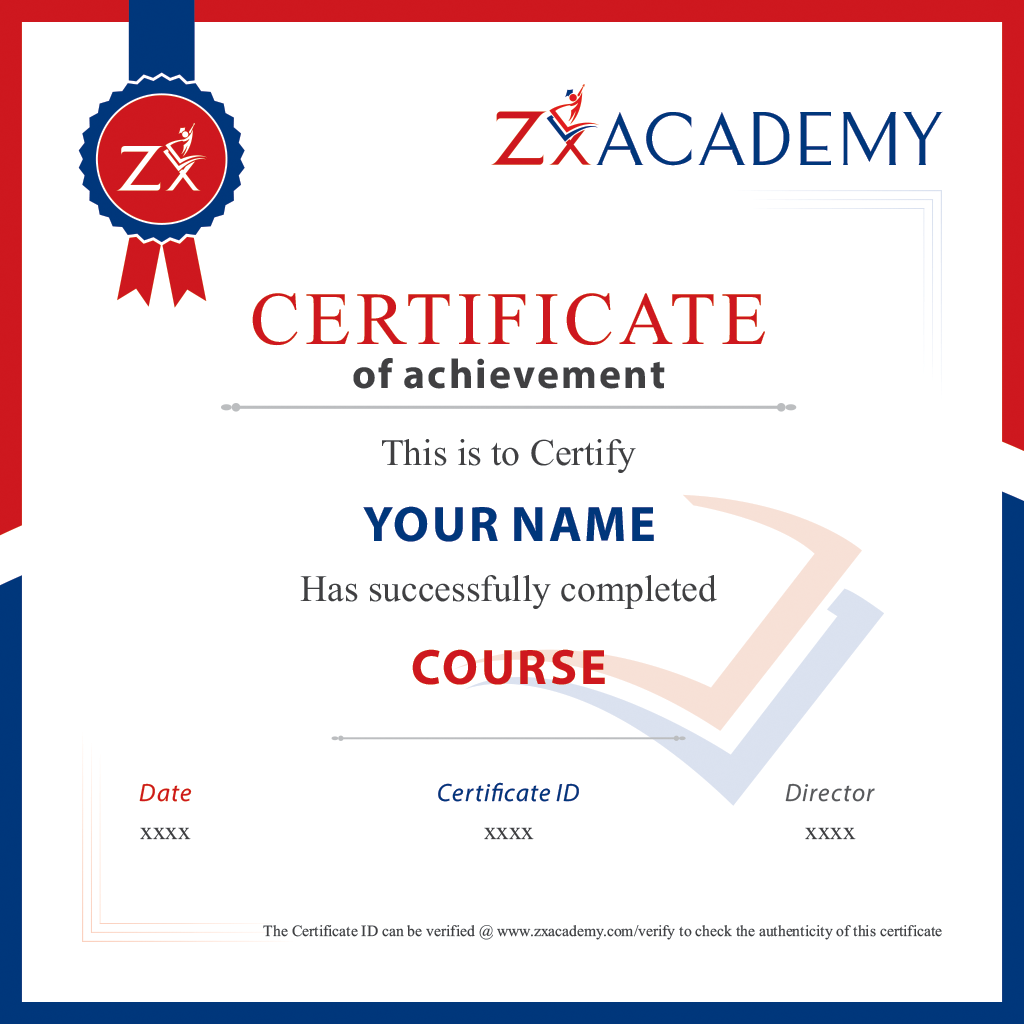
Zx Academy Certificate

Validate Your Skills with Certification 🏅

Salary Insights

According to Glassdoor, the average salary of a Power BI Developer is Rs. 8,00,000 per year

Frequently Asked Questions

Microsoft Power BI Certification Training is an interactive program designed to equip individuals with skills in using Microsoft Power BI for data analysis and visualization, as well as prepare students for Microsoft Power BI certification exams.

Training from ZX Academy will hone your data analysis and visualization abilities, and become adept in using Power BI, an effective business intelligence solution. Certification may further bolster your career opportunities.

ZX Academy may vary greatly when it comes to their training services, so it's essential that you do research on reviews, testimonials and course offerings to see if it meets your specific requirements.

Microsoft provides several Power BI certification exams. Training with ZX Academy should ensure they prepare you for specific certifications such as Microsoft Certified: Data Analyst Associate or other pertinent certifications.

Prerequisites may differ, but typically beginners need a basic knowledge of data analysis and Excel for any training course to be effective.

Take the Next Step in Your Career 🚀

Student Reviews

See what our students have to say about their learning experience.

5.0
Based on 2+ Reviews
5 Star
100%
4 Star
0%
3 Star
0%
2 Star
0%
1 Star
0%
100% Students
would recommend
this course

I'm very Happy to completed my Microsoft Power BI Certification Training Course at Zx Academy. The trainer as well versed with the technology. Overall a good experience.

B
Bharathi

Thank You for the sessions that helped me gaining knowledge in Microsoft Power BI Training. Trainer's experience helped me to get the detailed information regarding the key concept.

B
Bharathi

Leave a Review

Ready to Start Your Success Story? 📞

WhatsApp

Latest Articles & Insights

View All Posts